Busking a rave: energy levels
The problem
At a rave you don't know the tracks in advance, the set runs for hours, and the DJ decides when the next build-up comes. A show programmed as "cue 12 for song 3" has nothing to hold on to. What you do know is the shape of the music: electronic tracks are built in phrases of 8, 16 or 32 bars, the tempo stays steady within a track, and the energy keeps cycling through the same few states, from breakdown to groove to build-up to drop.
Without a plan for those states you end up improvising every transition from scratch. You know the drop is coming, but the controls for it are spread over three pages.
Practice
This page is working practice for busking electronic music. The tools it uses are documented in the manual and explained on the pages linked below.
The idea: darkness first, then energy levels
Darkness as the canvas
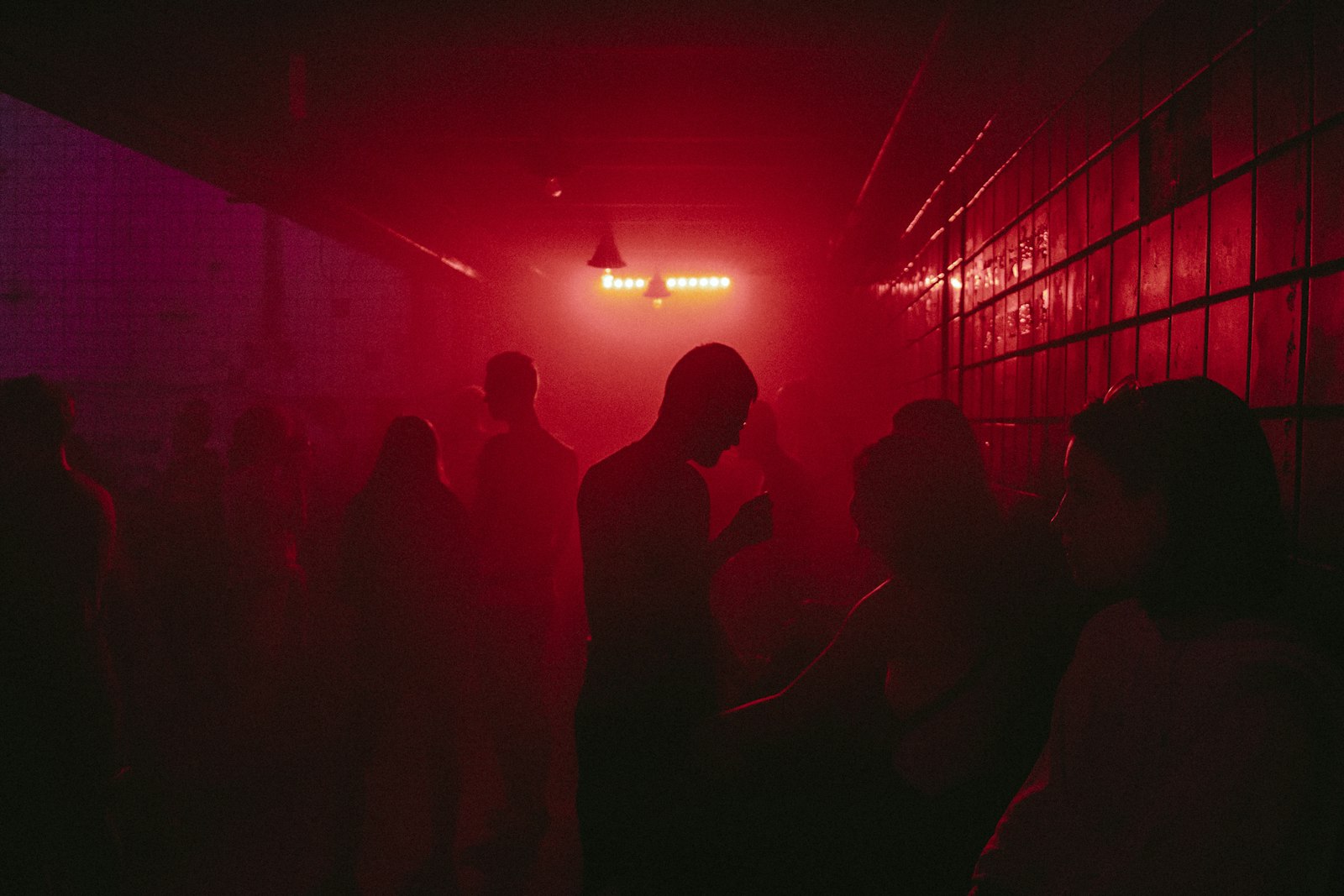
The rooms these pages are written for are dark underground raves, a concrete bunker rather than a big-room EDM stage. The approach, in four points:
- Darkness is the default. Almost no background light runs all the time: no wash bathing the room, no permanent colour on every fixture. The room is the canvas, and the fixtures are a brush on it.
- Few elements at a time. One beam cutting through the haze, a single bar glowing red, a slow sweep from one corner. What stays dark matters as much as what's lit.
- Haze makes the brush visible. In a dark room, a beam in haze reads as a shape in space. Without haze the same beam is only a spot on the wall.
- Contrast does the work. A hit only lands because the room was dark a moment before. The darker the baseline, the less light a drop needs.
Practice
This is a design choice, not something from the manual, and it's the opposite of the "more fixtures, more output" logic of festival main stages. On a small rig it's also the one that works best: a few fixtures in a dark, hazy room look intentional; the same fixtures trying to fill the room look thin.
Energy levels instead of songs
For electronic music, the design question is usually less "what does cue 12 look like" and more "what are my levels of energy?". Define three or four levels, each as a level of how much darkness you give away, and check that your show can reach each one in a few moves:
- Breakdown: close to black. One element in the haze (a slow beam, a single deep colour on one bar), long fades, almost no movement.
- Groove: a few lit elements in the dark, moving on the speed master. Deep colours, colour looks changing on phrase boundaries, most fixtures still off or very low at any moment.
- Build-up: light is added sparingly: more elements join, movement speeds up, an intensity effect fades in, colours tighten towards white. Often the last bar takes light away again.
- Drop: contrast from darkness: a short hit at full on the fixtures you already have (Flash/Swop), a strobe accent rather than a strobe carpet, a drop look with Kill. Then back to the groove, which is dark again.
If a level needs more than two or three moves, that's a gap in the executor layout, not in your playing.
What the music gives you
Electronic music is phrase-based and tempo-stable, which suits busking well:
- Tempo: everything rhythmic on one speed master with tap tempo, or the BPM speed master following the sound input (see Playing in time).
- Phrases: change colour looks or movement on phrase boundaries, not randomly.
- Energy: the levels above, reached with the faders and buttons you laid out for them.
- Programmed moments: only for things that must be exact and short, like a blackout-to-full drop or a recorded move into a breakdown (see Timecode in a DJ set).
Building a drop
A drop is a planned contrast, and most of the work is in the bars before it.
Practice
- Count phrases. Build-ups are almost always 8 or 16 bars. Watch the DJ's waveform or count from the start of the build, so you know where the last bar is.
- Rise in steps, not smoothly. Double the speed master on phrase boundaries (see Playing in time), bring an intensity effect up with its fader, add layers every 4 or 8 bars.
- Keep the groove dark enough. A drop needs contrast, and the darkness before it is the cheapest source (see Darkness as the canvas).
- Take something away before the drop. A short blackout or a single beam on the last beat (or last bar) makes the hit bigger than any amount of extra light.
- Prepare the drop look before you need it. Have it on one button (Go or Flash on an executor of its own), plus the hit (the same fixtures at full white or strobe) on another (see Busking intensity).
- Reset the tempo on the drop. Speed back to 1:1, and if effects drifted out of phase during the build, sync them on the one.
- End the build with a fill. A rhythm pattern played once over the last bars lands on the drop by itself (see Rhythm patterns over 16 beats).
Programming it: building an instrument
Programming a busking show is more like building an instrument than writing a script:
- Patch, groups, presets (see Building and changing a show).
- Build the layers: colour looks, positions, movement effects, intensity per fixture type, hits (see What goes on an executor).
- Set executor options once, then copy executors rather than configuring each from scratch.
- Play it: put on a track, busk, and note what you reached for and couldn't find. That's the list for the next session.
When you need it, and when not
- Every busked rave set: darkness as the default and the energy levels are the cheapest planning you can do. Write them down once, then check your executor page against them.
- A small hobby rig: the approach suits it best; the levels use the same fixtures for everything (see Busking intensity).
- A live act with a fixed set: you know the songs, so a cue list or timecode per song can replace part of the busking (see Busking vs. cue-list shows).
Related
- Busking intensity: balance, hits and the baseline: the atmosphere and hit layers behind the levels
- Playing in time: phrases, tempo and building a drop
- Colour concepts for busking
- What goes on an executor
- Changing the show: fixing things where they live
- Timecode in a DJ set: short programmed moments
Sources
Mostly working practice. Manual facts used:
- Speed masters: tap tempo, BPM master
- Assign a function: Flash, Swop, Kill
- Common executor options: Auto Start/Stop, Off On Overwritten