Systems and networking
The problem
You've programmed a show on grandMA2 onPC, and now you want real lights to react. Or you want a second laptop as backup, or to send Art-Net to a cheap node, or to drive more universes than one DMX port allows.
The manual's networking chapter is long and written for large touring systems with consoles, NPUs, backup consoles and MA network switches. Most of it you'll never need. This page explains the few ideas that decide whether a small system works.
The idea: stations, sessions and unlocked parameters
- Stations
- Consoles and onPC installations. They run the show.
- Sessions
- The manual calls a session "a chat room for MA devices". As soon as more than one MA device should work together, they join the same session (one of up to 31 per network). Everyone in a session shares the same show file: save on one, it's saved on all.
- Master
- One station in each session is the master. It transmits network DMX (Art-Net, sACN …), executes commands from sequences, sends MIDI, and uploads the show to devices that join.
- Parameters
- How many attributes the system may control.
The onPC catch: parameters come from hardware
grandMA2 counts parameters, not DMX channels, and the number you may output is unlocked by MA hardware. Every device in the manual's list has a parameter count. The onPC software itself doesn't appear in it: the onPC-specific devices only unlock parameters "when connected with grandMA2 onPC", for example:
| Device | Parameters |
|---|---|
| MA 2Port Node onPC 1K | 1,024 |
| MA 2Port Node onPC 2K, 4Port / 8Port Node onPC, onPC command wing, onPC fader wing | 2,048 |
| MA NPU | 4,096 |
| standard MA nodes (not the onPC versions) | no expansion |
So:
- onPC alone is a complete programming environment (and works with MA 3D for visualising), but doesn't control real lights.
- onPC + an onPC wing or onPC node in a session unlocks parameters. Then the DMX goes out of the hardware's DMX ports, and/or as Art-Net or sACN from the session master to any third-party node.
Standalone vs. session, and "Network DMX if Alone"
A station that isn't in a session is standalone. It can only use its own DMX ports and the parameters it unlocks itself. Network DMX protocols are sent by the session master, so even a single station has to run a session to output Art-Net or sACN, with the Network DMX if Alone option switched on in Setup → Network Protocols.
Interpretation
For a hobby setup this means: create a session even if you're alone, enable Network DMX if Alone, and make sure your MA unlock hardware is in that session. If nothing comes out, check those three things first.
Getting DMX out
There are two routes, and you can combine them:
- DMX ports (5-pin XLR on consoles, wings, nodes)
- Each port is set to Out (or In, or Off) and a universe in MA Network Configuration. Nodes have a fail mode: hold the last values for a time, or forever, if the session is lost.
- Network protocols
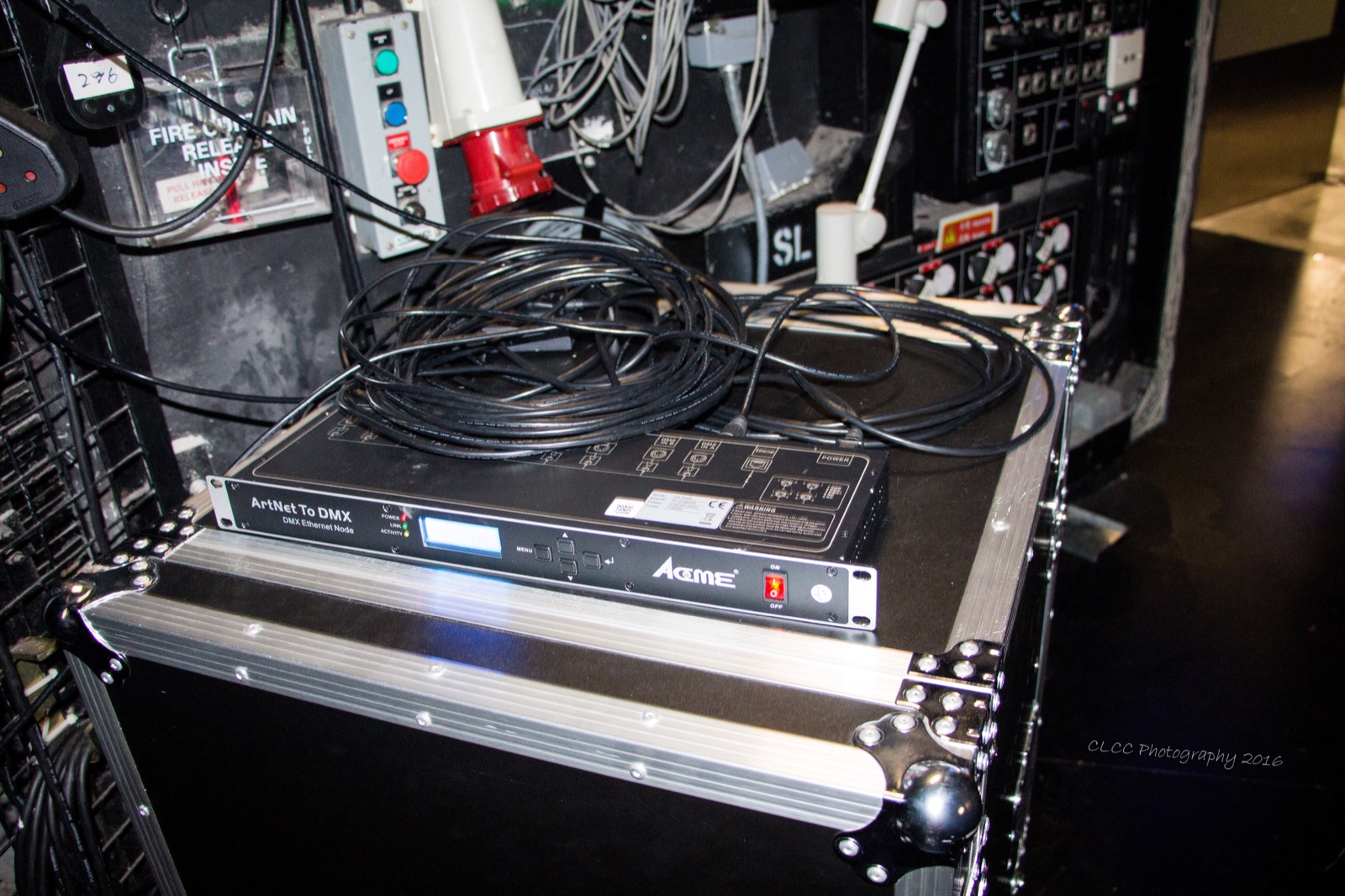
- Art-Net and sACN (send and receive), plus ETC-Net2, Pathport, Shownet and KiNET (send only). Each line maps a range of your universes (LocalStart, Amount) to protocol universes (ExternStart). The output has to be switched on per protocol.

What can go wrong with output
The manual lists what stops DMX output: a crash, and a show upload. Leaving the full patch setup re-uploads the show and interrupts DMX for a moment (see Fixtures and patch). What a fixture does when DMX stops depends on the fixture itself (DMX hold), or on the node's fail mode.
Single user, multi user, backup
Several stations in one session can be:
- One user on several stations ("full tracking backup"): all stations share programmer and views. If one dies, you carry on at the other.
- Several users (multi user): shared show and executors, but each user has their own programmer, views and possibly a limited world.
Both are about bigger setups. For a hobby show, the useful part is that a second onPC in the session works as a live backup.
When it matters, and when not
- Programming at home on onPC: none of this. Program, and visualise in MA 3D if you like.
- Driving real lights from onPC: unlock hardware, a session, Network DMX if Alone, and the protocol or port setup. That's all.
- Skip at first: several stations and multi user, the MA network switch, NPUs, user rights. They are for bigger systems; the one part a hobby show may want is a second onPC as live backup.
Related
- How grandMA2 thinks: parameters vs. DMX channels
- Fixtures and patch: universes and addresses
- Reference: Network DMX protocols, Setting up DMX ports, Session control, Parameter expansion
Sources
- Standalone systems: standalone limits, Network DMX if Alone needs a session
- Network systems: smallest network system, session master
- What is networking: sessions as a chat room, protocols
- Session control: master and connected, station priorities
- Parameter expansion: parameter counts per device
- Network DMX protocols: protocols, master transmits, LocalStart/ExternStart
- Setting up DMX ports on MA devices: port modes, fail mode
- Single user and multi user
- What affects my DMX output?