How grandMA2 thinks
grandMA2 can feel like a pile of unrelated features: pools, sheets, executors, worlds, MAtricks, presets, and a dozen kinds of store options. This page is the map. It explains the handful of ideas the rest of the console is built from, so that each feature has a place to land when you meet it.

The problem a lighting console solves
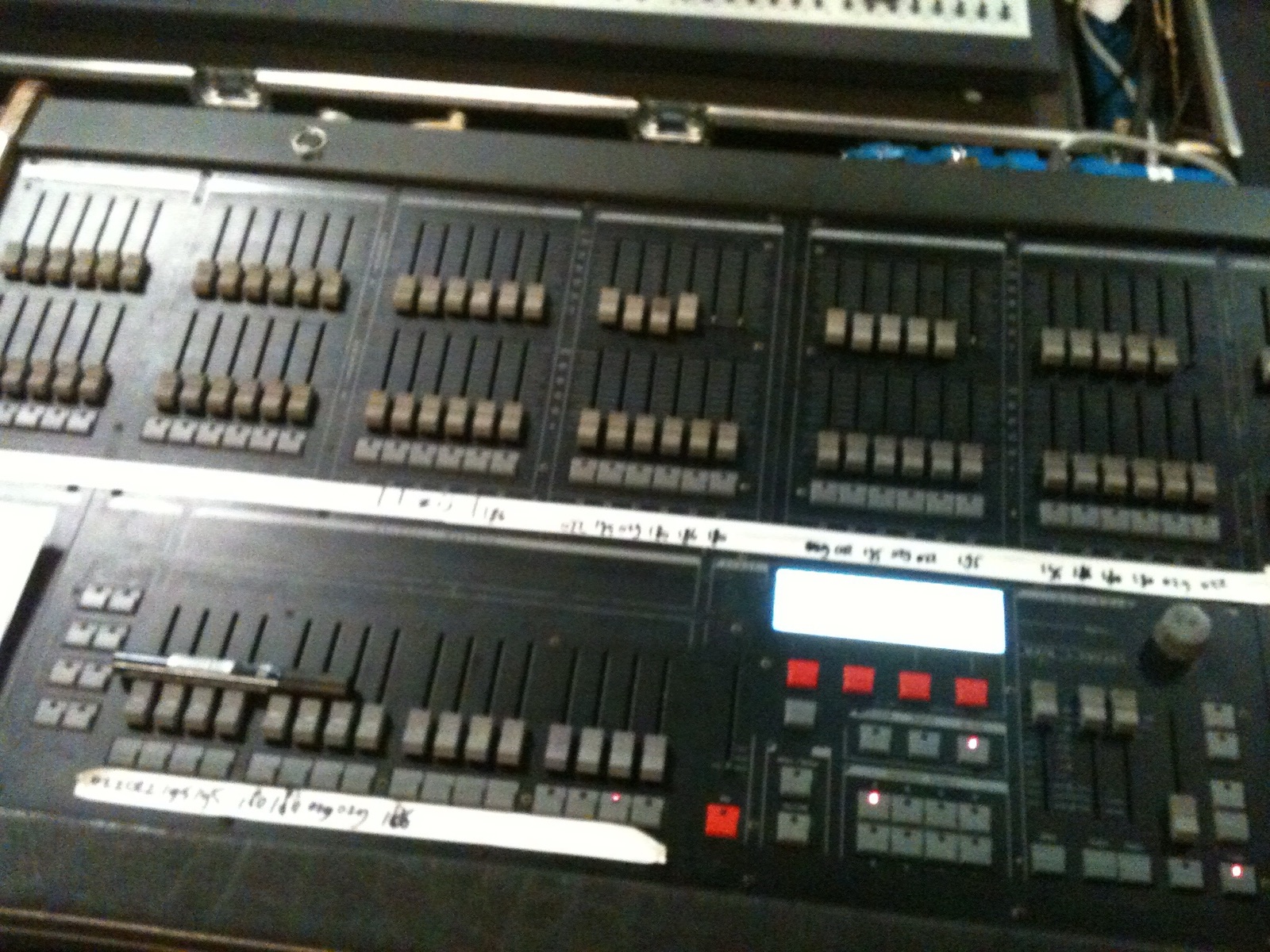

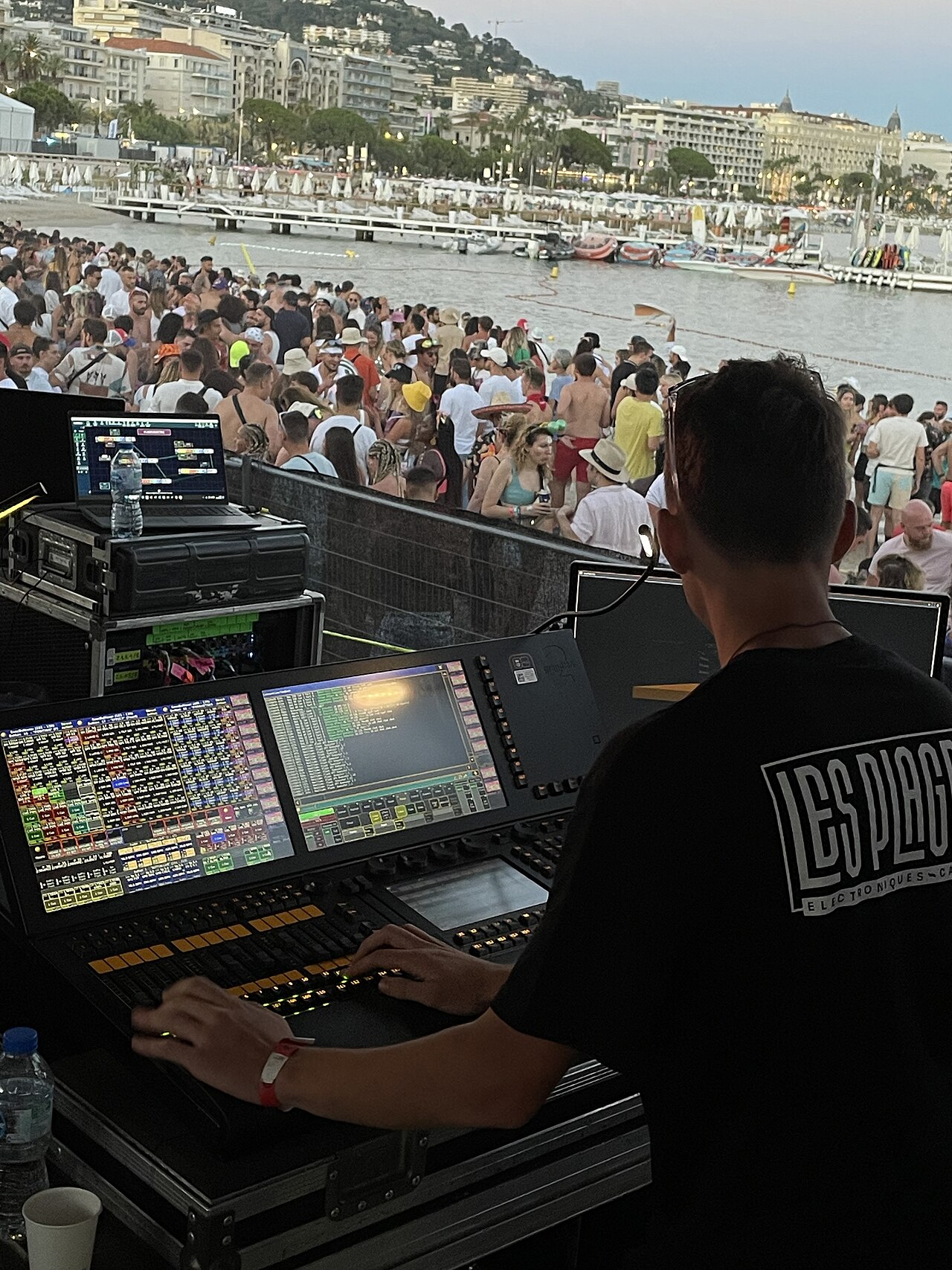
A simple DMX desk is a row of faders, one per DMX channel. Fader 37 sends a number from 0 to 255 to address 37, and that's all.
A fader per channel gets hard to work with once you have moving lights. One spot needs pan, pan fine, tilt, tilt fine, colour, gobo, focus, zoom, shutter and dimmer, often 20 to 40 channels per fixture. Ten of them are 300 channels, and "point them all at the DJ booth in blue" means remembering which of those 300 numbers matter.
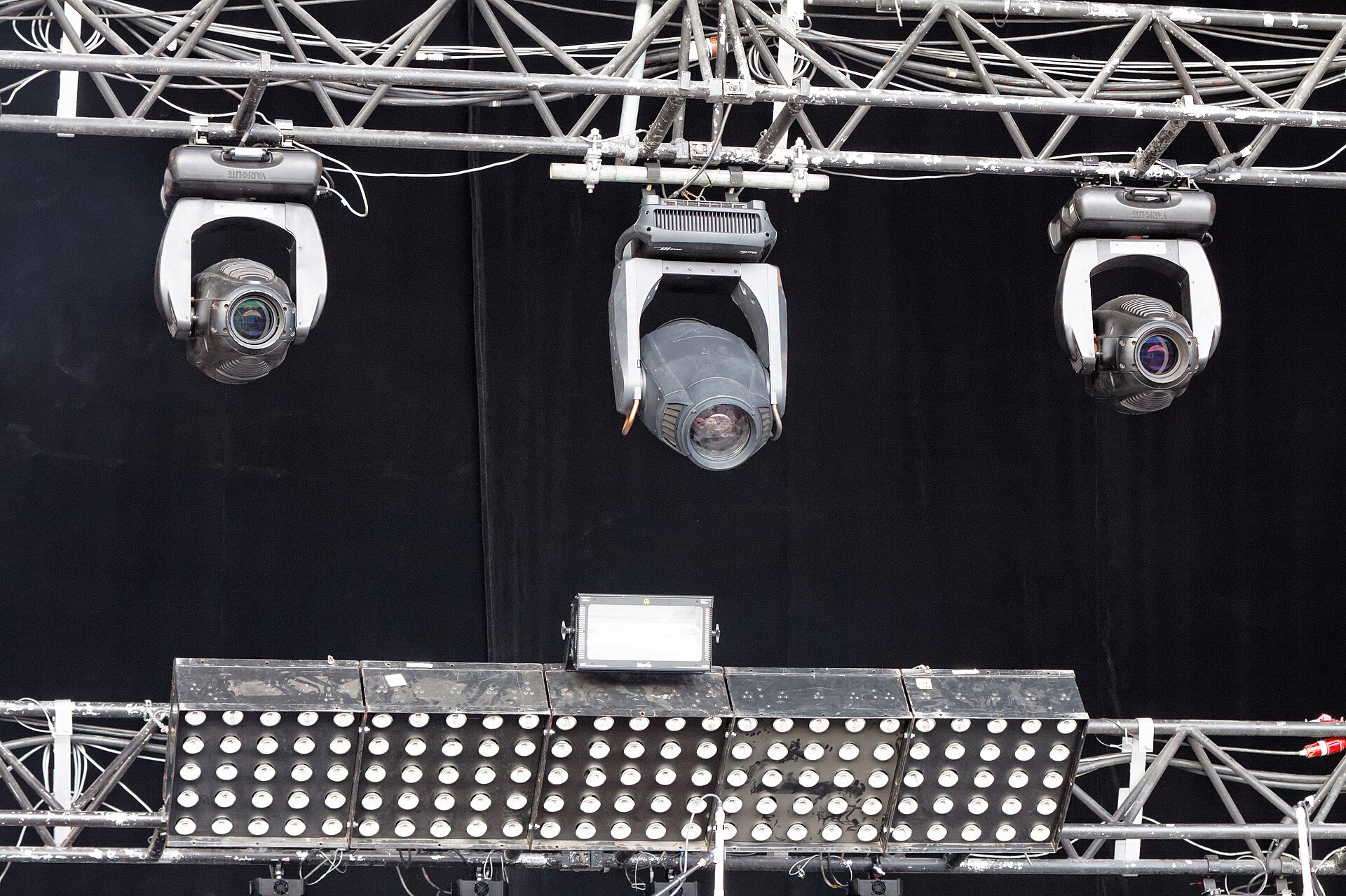

A show also changes. The DJ booth stands somewhere else in the next venue, you want a different blue, and a broken wash is replaced by a different model. On a channel desk, each of those changes means reprogramming every scene by hand.
Fixture-based PC lighting software helps with the first problem but still works on DMX addresses underneath. grandMA2 goes further on both; Kinds of lighting consoles compares the families.
Most grandMA2 concepts address one of those two problems: channel numbers that say nothing about what they control, and too many places a change has to be made. You still work with plenty of numbers on a grandMA2: fixture 5, group 4, preset 4.12, executor 1.5. The difference is that each of them stands for something you created and named, not for a DMX channel, and in the pool windows you can pick most of them by name.
Idea 1: think in fixtures and attributes, not DMX channels
Once a fixture is patched, grandMA2 doesn't ask you to think about "channel 37" again. You patch a fixture (a spot, a wash, a dimmer), and the console knows from the fixture type which DMX channels it uses and what each one means. From then on you work with attributes: Dimmer, Pan, Tilt, Color, Gobo. "Fixture 5 Pan 30°" means something; "DMX 1.137 at 85" doesn't.
The console calculates attributes internally at higher precision than DMX, and only at the very end turns them back into 8 or 16-bit DMX values. This is also why MA counts parameters (attributes) rather than DMX channels when talking about system size: a 16-bit pan uses two DMX channels but is one parameter.
Idea 2: everything you program lives in one place first, the programmer
Whatever you change, whether you select fixtures, set a colour or move a fader in the sheet, goes into the programmer first. It's a scratchpad on top of everything else: nothing is permanent until you store it somewhere, and the programmer normally wins over what's playing back, so you always see what you're working on. That makes programming visual: with the lights (or a visualiser) in front of you, you change values until the look is right, then store it.
That's why Store is the most important key on the desk, and why Clear is the second. See The programmer.
Idea 3: stored things are objects in pools, and they refer to each other
When you store, you create an object in a pool, a numbered grid of slots. There are pools for groups, presets, sequences, effects, macros, views, layouts and more; the manual lists 19.
The important part is that objects refer to other objects instead of copying them:
- a cue can contain "Preset Blue" rather than raw colour values
- a preset can contain other presets
- an executor contains a reference to a sequence, not the sequence itself
Change the referenced object once and everything that points at it follows. This is the console's main answer to "too many places a change has to be made", and it's why experienced programmers insist on presets. See Presets.
There's one important exception: groups are not referenced. A group is only a shortcut for selecting fixtures, and a cue stores the fixtures, not the group. See Selection and groups.
Interpretation
The manual never states this "reference, don't copy" principle as a rule. It shows up separately in presets, embedded presets, sequences on executors and so on. Seeing it as one idea is the easiest way to predict how a feature will behave.
Idea 4: a show is a list of changes, played back by executors
A cue stores a set of attribute values. Cues are kept in order in a sequence. grandMA2 tracks by default: a cue only stores what changes, and everything else carries on from earlier cues. See Cues, sequences and tracking.
A sequence on its own does nothing. To play it you put it on an executor, the fader and buttons on the console (or on screen) that run it. Executors are arranged on pages, so the same physical faders can run different things in different parts of the show.
Idea 5: several things want the same light, so output is a negotiation
At any moment the programmer, several running executors, effects and masters might all have an opinion about fixture 5's dimmer. grandMA2 decides what goes out using priority rules:
- for most attributes, the latest command wins (LTP)
- intensity can also follow highest-takes-precedence (HTP)
- each executor can be given a higher or lower priority
After that, masters scale the intensity, and the result becomes DMX on the outputs and the network.
Putting it together
Read left to right, this is also the order in which you build a show: patch, make groups and presets, program cues, put sequences on executors, play. The Explanation chapters follow the same order: getting light out, making a look, keeping and playing it, then time and movement, who controls what, and working faster.
What you can ignore at first
The manual gives every feature the same weight, but a lot of it serves large shows or special setups. For a small hobby rig on onPC you can safely skip, until you feel the need:
- multi-user systems, network sessions and the MA network switch. One onPC is enough to program a whole show (and to visualise it in MA 3D). To get DMX out to real lights, though, onPC needs MA hardware that unlocks parameters: an onPC wing, an onPC node or an NPU, from 512 to 4,096 parameters. See Parameter expansion.
- timecode, agenda, MIDI show control, telnet and web remote
- RDM, the network switch, NDPs, xPort nodes
- bitmap fixtures, XYZ (see Moving heads), MA 3D, CITP and media servers
- Lua plugins
Things you can't skip: patch, the programmer, groups, presets, cues and sequences, executors.
Worth learning early, even on a small rig: filters (and their relatives, worlds and masks). The manual files them under "advanced", but the problem they solve is everyday: "store only the colour of this look", or "this fader should only ever touch the dimmers".