Kinds of lighting consoles
The problem
Maybe you've run lights before on a small DMX desk in a club, or with a free lighting program on a laptop. Then grandMA2 looks like the same job with ten times the buttons: pools, a programmer, executors, tracking, worlds.
Take one situation. Your build-up routine has 20 cues with the beams on the DJ booth. In the next venue the booth stands two metres further left. On a simple desk you edit 20 scenes. On grandMA2 you update one preset, and the 20 cues follow.
What makes that possible is a different idea of what a console stores and plays. Lighting consoles fall into a few families, and each family fixes a limit of the one before it. Knowing where grandMA2 sits explains why it asks you to build things in a certain order, and why so many of its features exist.
Interpretation
The grandMA2 manual doesn't compare consoles. The families below are a common way to sort them, not MA documentation, and real products often mix features from more than one family, so the examples are a rough guide. The grandMA2 side of each comparison is backed by the sources at the end of the page.
The idea: three families
Channel desks
A channel desk has one fader per DMX channel. Fader 37 sends a level to address 37, and the desk doesn't know what is connected there. A scene (or memory) is a snapshot of all channel levels, and a chase steps through scenes one after another.
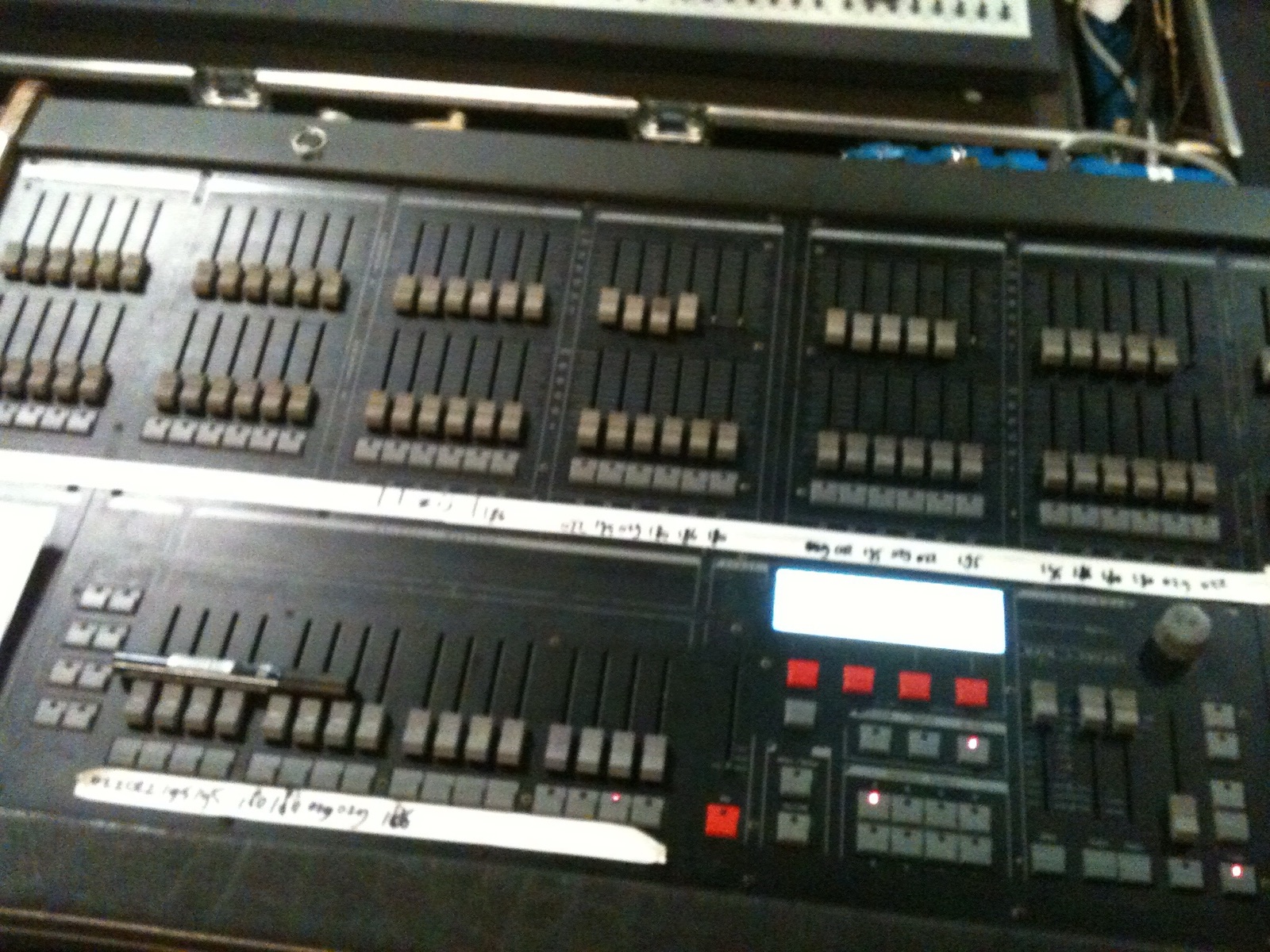

Examples: classic two-preset and memory desks for dimmers, and small DMX controllers such as the Chauvet Obey 70 or the Stairville DMX Master, where faders set the channels of up to twelve fixtures and scenes and chases store their levels.
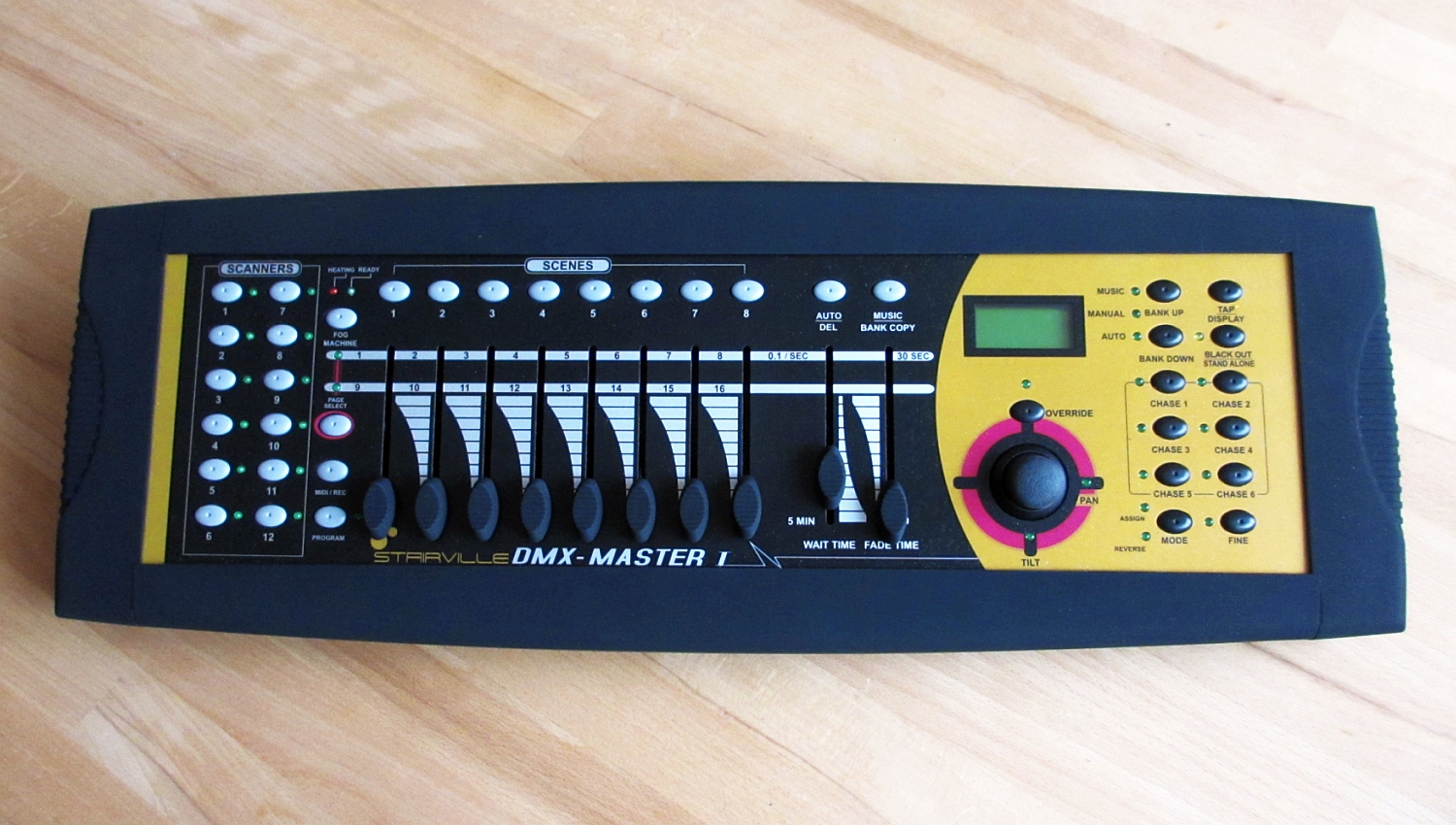

That works well for dimmers and simple LED pars. With moving lights it gets hard to work with: one spot uses 20 to 40 channels, and every scene stores raw numbers for all of them. When the DJ booth moves, every scene with a position on it needs editing.
Fixture-based software on DMX addresses
Many PC lighting programs, and smaller fixture-capable desks, add fixture definitions on top of the channels. You place a fixture at a DMX address, and the program names its channels: pan, tilt, colour, gobo. You pick fixtures instead of channel numbers, and colour pickers or position pads set several channels at once.
Examples: QLC+ (free, PC), Freestyler DMX, and standalone hardware such as the WolfMix W1, which builds its controls and effects from a fixture library.
Underneath, these programs still work on DMX addresses. A scene stores values for the channels of the fixtures in it, so it is still a copy of numbers. Moving the DJ booth still means editing every scene that points at it, unless the program has its own way of sharing values between scenes.
Cue-list consoles with references and tracking
grandMA2 belongs to the family of large consoles built for moving lights. Other examples are grandMA3, ETC Eos, ChamSys MagicQ, High End Systems Hog 4, Avolites Titan and Obsidian Onyx; several of them also run as free or cheap PC software, like grandMA2 onPC. The details differ from brand to brand, but they share the ideas below:
- A fixture has an ID of its own. The patch links the ID to a DMX address, and everything you program refers to the ID. You work with attributes (Dimmer, Pan, Color), not channels, so re-addressing a fixture doesn't touch the programming (see Fixtures and patch).
- Stored looks refer to other objects. A cue built from presets stores a link to the preset instead of the values. This is what turns the DJ booth move into one preset update (see Presets).
- Cues store changes, not snapshots. With tracking, a value stays until a later cue changes it, so a cue only holds what is new (see Cues, sequences and tracking).
- You build in a scratchpad first. Everything you set goes into the programmer, and Store decides where it ends up (see The programmer).
- Many things play at once. Executors run several sequences side by side, and the console merges them live by priority rules into one output (see Executors and pages and Playback priority).
- Limits you can switch on. Worlds, filters and masks restrict what you can touch, store, play or see, and several consoles and onPCs can work on one show in a network session (see Worlds, filters and masks and Systems and networking).
On a channel desk the output is "the current scene". On grandMA2 the output is calculated all the time from everything that is running, and the show file is a set of objects that point at each other. That is the part that makes it more complex than the families before it, and also what makes changes cheap.
| Channel desk | Fixture software on DMX addresses | grandMA2 | |
|---|---|---|---|
| You select | channels (faders) | fixtures at an address | fixture IDs, groups |
| A stored look holds | levels of all channels | values of the fixtures' channels | changes, often as links to presets |
| The DJ booth moves | edit every scene | edit every scene that uses it (typically) | update one position preset |
| A fixture gets a new address | set the fixture back to its old address, or edit every scene | depends on the program | change the patch, the programming stays |
| Plays at the same time | one scene, maybe a chase | depends on the program | many executors, merged by priority |
When it matters, and when it doesn't
If you come from a channel desk or a PC program, this is the reason grandMA2 asks you to patch, build groups and presets before you program cues (see Building and changing a show). The order only pays off because cues refer to the layers below them.
You can use grandMA2 like fixture software, with raw values in every cue, and it works. A small rave rig with one venue might never notice. The first new venue, the first replaced fixture or the first "less purple" costs the same as on a simpler desk, though.
You don't need to know other consoles to learn grandMA2. This page is orientation: when a feature looks like complication, ask which limit of a simpler console it removes.
Related
- How grandMA2 thinks: the six ideas in more detail
- Fixtures and patch: fixture IDs and DMX addresses
- Presets: links instead of copies
- Building and changing a show: the order that makes the references pay off
Sources
- What are channels and fixtures, Parameters vs. DMX channels
- Presets
- What is tracking, What are cues and sequences
- What is the programmer
- What are executors, Playing back cues: priority
- What are worlds
- The channel desk and PC software families are general lighting knowledge, not from the manual.