Executors and pages
The problem
You've programmed a cue list, a few colour chases and some effects. Now you need handles to run them during the show: something to press for the next cue, a fader to bring the chase in and out, a button to flash the bars.
A console only has so many faders and buttons, and you'll want more playbacks than that. A night with several DJs and styles might need a dozen different sets of controls. And during a show you can't afford a handle that "forgets" what it was doing when you look at something else.
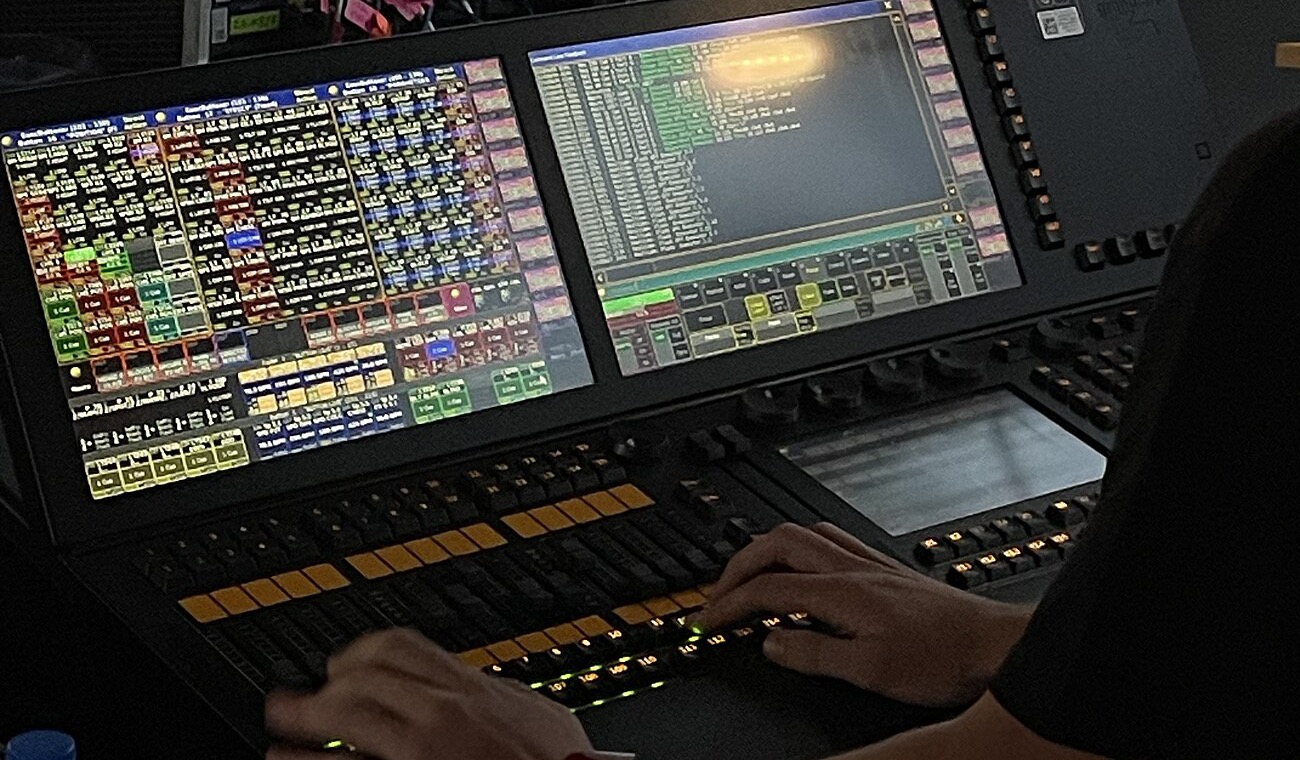

The idea: an executor is a handle for stored content
An executor is a fader and/or button(s) that you assign an object to. Most often that's a sequence, but it can also be a group (as a group master), an effect, a macro, a timer or one of the special masters. The executor doesn't contain the sequence; it points to it, and the same sequence can sit on several executors.
There are two physical kinds:
- Fader executors: a fader plus three buttons
- Button executors: a single button (with a virtual fader you can reach on screen)
On onPC and the wings, the same exist on screen and on the hardware.
What each button and the fader do is up to you. Every executor has assignable key functions and a fader function. Some common ones:
| Function | What it does |
|---|---|
| Go, Go-, Pause | step through the cue list with the cue timing |
| Toggle, On, Off | start or stop the sequence |
| Flash | on at full while pressed, back to before when released |
| Temp | on while pressed, using the cue fades and the fader level |
| Swop | flash this, and dim everything else while pressed (see Flash, Swop or Kill) |
| Kill | Go, and turn off all other executors |
| Learn | tap a tempo for chasers |
| Master (fader) | intensity master: scales the dimmer values of this playback |
| Crossfade (fader) | move the fader to fade manually from this cue to the next |
Pages: more handles without losing anything
Executors are arranged in pages. Changing page gives you a new set of executors on the same physical faders. The detail the manual stresses:
Changing page will not load new content into the physical executors, like on some other consoles. Changing page just instructs the console to display another set of executors.
So a chase running on page 1 keeps running when you flip to page 2. Pages are a view, not a mode. Two practical consequences:
- Once you flip to page 2, the chase still running on page 1 is no longer under your fingers. Fix (or the Auto Fix option, which fixes an executor while it's running) keeps an executor on the hardware across page changes.
- Fader pages and button pages can be changed separately (or linked).
The options that shape how an executor behaves
Executor options (Assign → Options) answer questions you'll eventually ask:
- "Should moving the fader start it?"
- Auto Start / Auto Stop turn the executor on when the fader leaves zero and off when it returns, so the fader becomes the on/off control.
- "When I turn it on again, where does it start?"
- Restart: first cue, current cue, or next cue.
- "It's been completely overridden by another playback; should it go away?"
- Off On Overwritten. Without it, pulling down a later fader brings the earlier look back, because the first executor is still running underneath.
- "Who wins if two executors control the same light?"
- Priority, see Playback priority.
- "How fast does this chase run?"
- Speed master and Rate master tie the executor to one of 15 shared speed (or rate) masters, so several chases and effects can follow one tempo.
How it's typically laid out
Practice
This section is common working practice, not MA's documentation. It's a starting point, not the "correct" layout.
- The main cue list sits on one prominent executor. Keep it selected: the big Go/Pause keys and the master section act on the selected executor. For a programmed set (a live act playing the same set every night), this is nearly all you need.
- Busking / concerts: build pages of building blocks instead of complete looks. For example, a row of colour sequences, a row of position looks, a few effects, all on buttons with Toggle or Flash, combined live. A typical structure is one page per style or part of the night, with the "always needed" controls (main cue list, hits, haze, group masters) fixed or repeated in the same place on every page.
- Faders for things you want to ride by feel: intensity of an area (group masters), effect size, chase speed. Buttons for things you trigger: flashes, toggling a look, a macro.
- Speed masters for anything rhythmic, so that one tap on Learn sets the tempo for all chases at once.
A whole page on show structure (how to build groups, presets and executors so they fit together) is planned. See How grandMA2 thinks for the overall flow.
When it matters, and when not
- A programmed set with one cue list: one executor, a Go button, done. Most options can stay at their defaults.
- Live, by-feel shows: page layout, key functions, Auto Start/Stop, Off On Overwritten and speed masters become the core of your show design.
Related
- Cues, sequences and tracking: what an executor plays
- Selection and groups: group masters on faders
- Reference: Assign a function, Executor options, Executor pages, Special masters
Sources
- Executors: pages only change what's displayed
- What are executors: fader vs. button executors, what can be assigned
- Assign a function: key and fader functions
- Common executor options: Auto Start/Stop, Restart, Off On Overwritten example
- Executor options: Auto Fix, speed and rate masters
- Executor pages
- Speed masters, Rate masters