Attributes
The problem
Open the encoder bar for a modern moving light and you get dozens of attributes: three gobo wheels, animation wheel, prism rotation, iris, frost, CTO, colour macros, lamp control, fan mode … Most of them you'll never touch. A few you'll use in every look.
And every fixture type names and arranges them a little differently. Without a common structure, every preset, effect and filter would have to know each fixture type by heart.
The idea: one structure for every fixture
grandMA2 sorts every fixture's functions into the same four-level tree:
- Preset type: the top level, the buttons in the preset control bar (Dimmer, Position, Gobo, Color, Beam, Focus, Control …).
- Feature: a group within it, e.g. Gobo1 or MixColor.
- Attribute: the actual function, e.g. gobo select or Red. This is what you control, and what counts as one parameter.
- Subattribute: ranges within an attribute, e.g. half of the gobo wheel's DMX range selects a gobo, the other half spins the wheel.
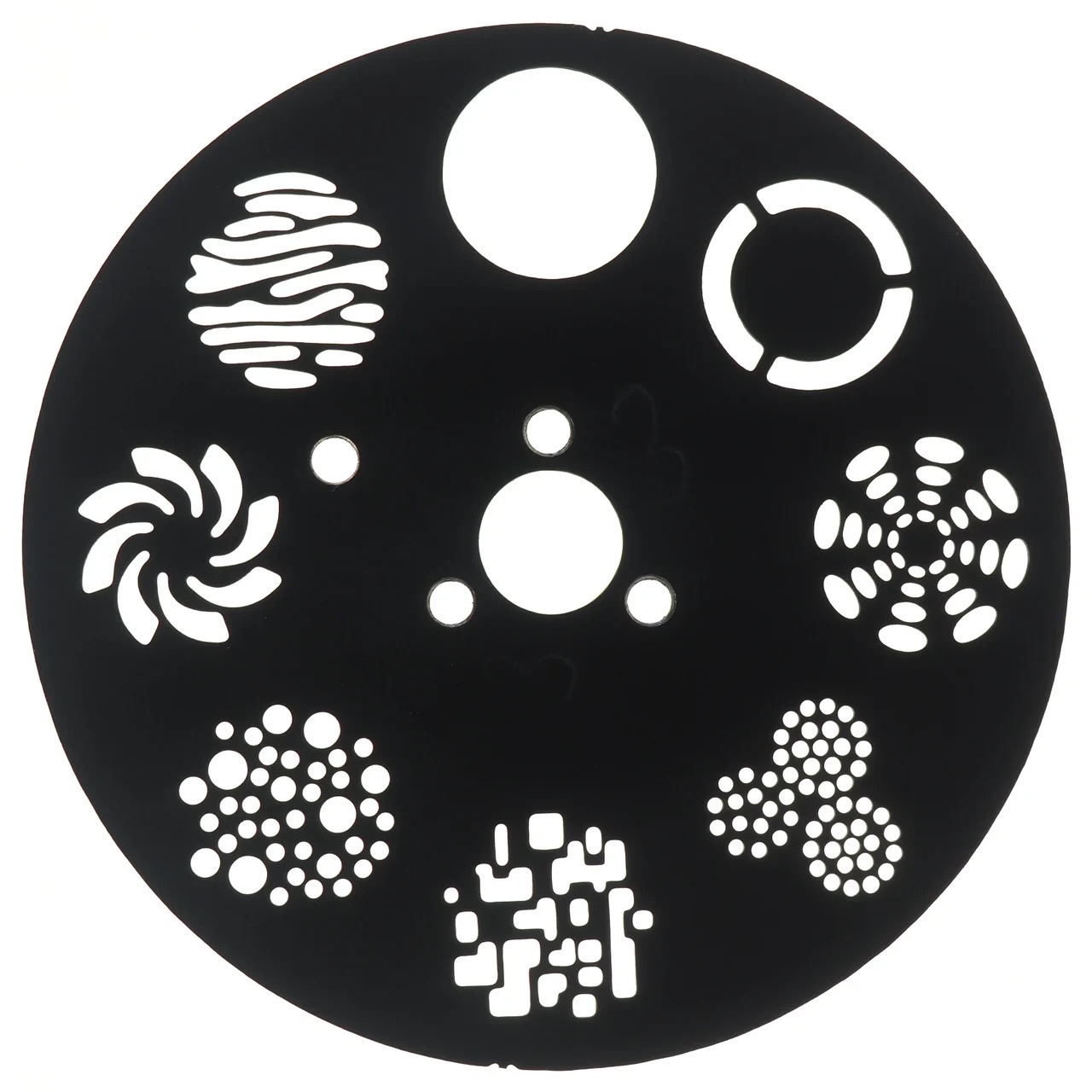

Because every fixture type uses the same tree, a "Pan" is a Pan on every fixture, and presets, effects, filters and worlds can talk about attributes without caring which fixture they're on.
The attributes that matter
Practice
Which attributes you need depends on the fixtures, but in practice the same small set does most of the work:
| Preset type | Use all the time | Use sometimes | Usually leave alone |
|---|---|---|---|
| Dimmer | dimmer | ||
| Position | pan, tilt | position speed/MSpeed | |
| Color | MixColor (RGB/CMY…), colour wheel | CTO, colour macros | |
| Beam | shutter / strobe | iris, prism, frost | effects macros |
| Gobo | gobo wheel 1 | gobo rotation, wheel 2 | animation wheels |
| Focus | zoom, focus | ||
| Control | lamp on/off, reset, fan / display modes |
The Control preset type is the one to keep out of cues: storing a lamp-off or reset by accident ruins a show. A world without Control for everyday programming prevents that (see Working on part of the rig).
When it matters, and when not
- Every show: know the four levels, because presets, filters, worlds and the encoder bar all work with them.
- The table above: a starting point; check which attributes your own fixtures have once, and ignore the rest.
- Skip at first: building your own fixture types and attribute definitions. Only needed when the library fixture isn't good enough.
Related
- Colour: the Color preset type in detail
- Presets: one pool per preset type
- Working on part of the rig: a world without Control
- Fixtures and patch: fixture types and modes
- Reference: Attribute & encoder grouping, Anatomy of a fixture type