Moving heads: orientation, positions and XYZ
The problem
At home you programmed four moving heads standing on the floor in front of the DJ booth. "DJ booth", "Crowd" and "Crossing" are position presets, and a circle effect runs around "Crowd" in the groove.
The next venue is a concrete cellar with a pipe across the ceiling. Two of the heads hang from the pipe, upside down, and one of the floor heads stands turned sideways because of a pillar. You load the show: the hung heads shine into the ceiling where they should hit the floor, the sideways one points at the wall, and the circle on the hung heads runs the wrong way round.
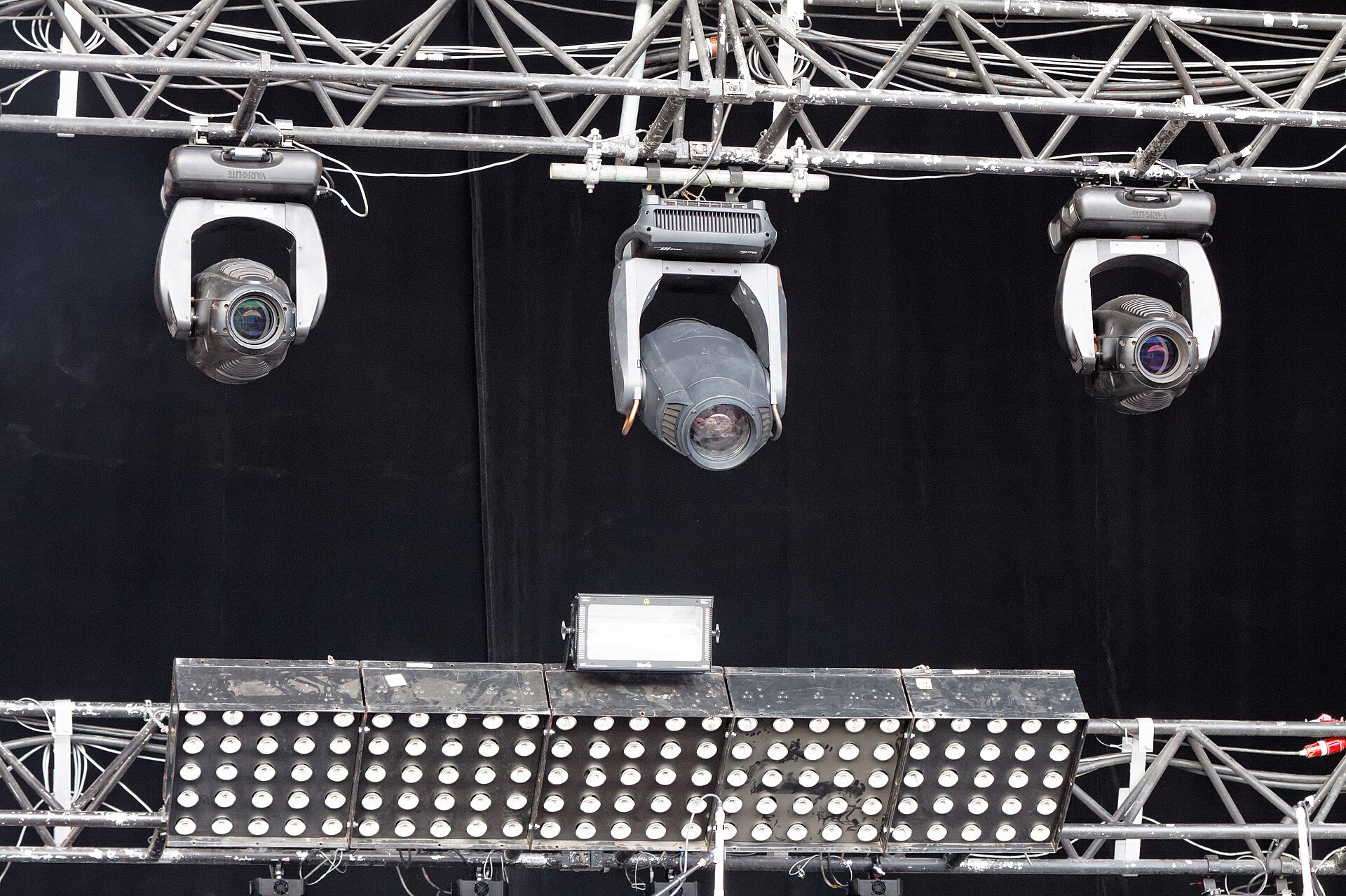

The values are the same as at home, but a moving head's pan and tilt are angles measured from its own base, and the bases are now mounted differently.
The idea: pan and tilt belong to the fixture, not to the room
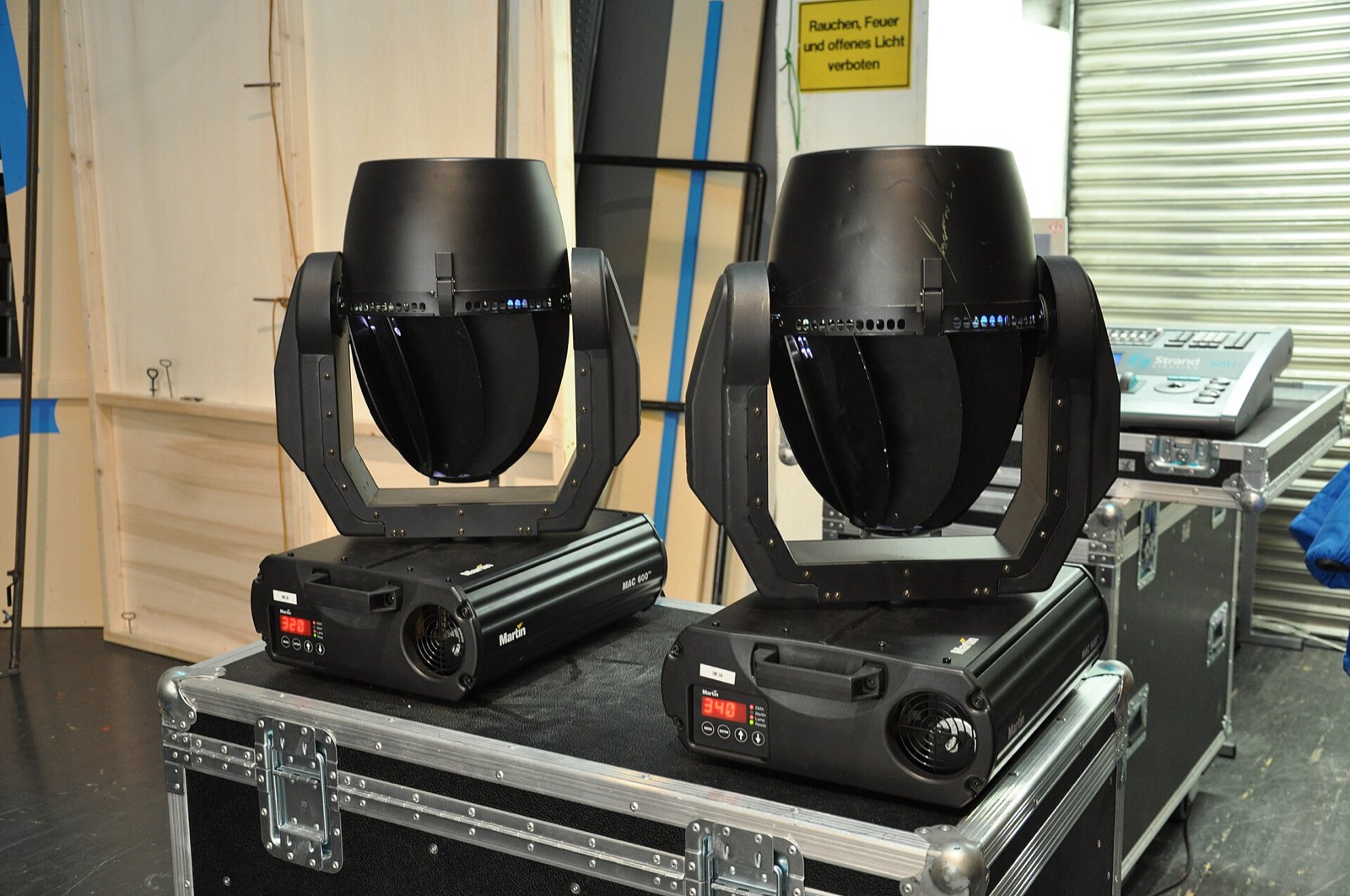
A moving head knows two angles: pan turns the yoke around the base, tilt turns the head in the yoke. Both are measured from the base. The same values give the same beam direction only as long as the base sits the same way in the room.
Hang a head upside down and seen from above its pan turns the other way; tilt "up" now means "down". Turn a head on the floor by 90° and every pan value is off by 90°. Two heads mirrored on the left and right of the booth turn towards each other with the same pan value, or away from each other, depending on how they stand.

Interpretation
Which side counts as a moving head's front is set by the manufacturer, usually the side with the display, and the fixture type defines where pan and tilt are zero. The manual doesn't describe this; check how your fixtures behave once, on the real rig.
grandMA2 gives you two ways to deal with it. You can keep programming in pan and tilt and correct each fixture's mounting in the patch. Or you tell the console where each fixture hangs and program positions as points on stage (XYZ).
Way 1: correct the mounting in the patch
The patch has per-fixture options for exactly this situation (see Fixtures and patch):
- Pan / Tilt DMX invert reverses an axis on output, for a head that hangs instead of standing.
- Pan / Tilt encoder invert only changes which way the encoder turns, so turning right moves the beam right in the room.
- Pan / Tilt offset adds a fixed angle on output, for a head that stands rotated. The manual recommends it for shows where "the fixtures are not hung the way they were planned"; the offset shows in the DMX sheet, not in the fixture sheet.
- Swap exchanges the pan and tilt outputs.
All of these act on output, like the rest of the patch. Your cues and presets keep their values, and the corrections live in one place per fixture.
What's left after that is the room itself: the DJ booth is somewhere else in every venue. That's the job of selective position presets, with their own pan and tilt per fixture (see Presets). Re-focus "DJ booth" once and every cue follows.
To verify in onPC: check 32
Flip: several ways to point at the same spot
A typical moving head pans 540° and tilts 270°. So most directions can be reached with more than one pan/tilt combination: pan 180° further and tilt to the other side, and the beam ends up in the same place. The Flip keyword switches a selection to the next combination that points the same way.
This matters for fades and effects. Two heads that point at the same spot with different combinations take different routes when they fade to the next position, and a fan of heads where one is "flipped" moves out of step with the rest. When a position fade swings a head the long way round, Flip is the first thing to try.
The 2D map: layouts
Separate from the 3D stage (below), a layout is a two-dimensional drawing of your rig: you place fixtures where they are in the room, add shapes and text, and put groups, presets or macros on it as buttons. It's displayed in a layout view.
For busking, a layout is a map of the room you can select from: lasso the heads on the left, tap the bar above the booth. The order in which you select decides how an effect's phase spreads across the fixtures (see Selection and groups).
Layouts are also the canvas for bitmap effects: draw a rectangle around fixtures in a layout, and every fixture inside it shows its part of the bitmap. On a row of LED bars, that turns an image or a pattern into movement across the rig.
To verify in onPC: check 34
Way 2: tell the console where the fixtures are
The 3D stage
Every grandMA2 show has a virtual 3D stage with every patched fixture in it. You place each fixture at its real position and rotation, in the Stage view (setup mode, with encoders for position and rotation and an arrangement wizard for rows, circles and matrices) or in the patch. Auto-calibration does it from four marks on the real floor: point the heads at the marks, and the console calculates where each head hangs and how it's rotated. The manual warns that this "can work, but you and the fixtures need to be precise".
The Stage view also lets you select fixtures by tapping them, which is handy on a rig you can see as a picture. MA's free visualiser MA 3D shows the same stage.
Practice
Placing fixtures only pays off if you use what's built on it: XYZ, stage markers, selecting in the Stage view. Many users find MA 3D too limited to rely on, so don't place fixtures just to get a visualisation.
XYZ: positions as points on stage
With fixtures placed, you can switch on XYZ per fixture type. Each fixture then gets virtual channels: Stage X (left/right), Stage Y (towards or away from the crowd), Stage Z (height), plus Flip, Mark, Dist and PosMode. You program where the beam should land, and the console converts that to pan and tilt for each fixture from its place in the 3D stage. The manual is clear that the fixture still only receives pan and tilt.
What that gives you:
- One position for every head. "DJ booth" is one point, not a set of pan/tilt values per fixture.
- Straight lines. A fade between two XYZ positions moves the beam in a straight line on stage; the manual notes this needs XYZ.
- Re-calibration instead of re-programming. After auto-calibrating a rehung rig again, "all XYZ values in your show are now updated".
- Stage markers. A stage marker is a virtual fixture you can move around the 3D stage. Point the heads at it (the Mark channel), and moving the marker moves every beam with it: put one on the DJ booth, or ride it across the floor.
What it costs:
- six more parameters per fixture (XYZ, Flip, Mark and Dist), which count against your parameter limit
- accurate positions, or the beams miss
- some rules: don't invert pan or tilt after calibrating and programming, don't move fixtures in the Stage view afterwards, and don't mix XYZ and pan/tilt carelessly in one sequence (each cue can store either; Forced Pos. Mode in a sequence sets which)
To verify in onPC: check 33
When you need it, and when you don't
- Every rig with moving heads: know that pan and tilt follow the base, and fix mounting in the patch with invert and offset. This is the minimum, and it keeps your presets and effects usable in every venue.
- A small rave rig in changing venues: pan/tilt with patch corrections and selective position presets is usually enough. Re-focusing three position presets is quicker than placing and calibrating four heads.
- Skip at first: the 3D stage and XYZ (Way 2). XYZ pays off with many heads, a show that tours to many rooms, beams that should follow a point (a marker on the DJ booth), or straight-line movement across the floor.
- Layouts are worth building for any rig you busk: a map of the room is faster to select from than fixture numbers.
Related
- Fixtures and patch: invert, offset and live patch
- How-to: Correct a hung or turned moving head in the patch, Build a layout of the room
- Presets: selective position presets
- Effects and chasers: movement effects around position presets
- Selection and groups: selection order and effect phase
- Screens, views and layouts: where the layout and stage views live
Sources
- Adding fixtures to the show: pan/tilt DMX invert, encoder invert, offset, swap
- Flip keyword
- What is 3D and stage setup, Position fixtures in the virtual 3D stage, Stage view
- Auto-calibrate fixture positions
- XYZ, XYZ vs. pan/tilt, XYZ and pan/tilt in cues and sequences, Use stage markers
- Layouts, Create a layout, Edit layout
- Apply bitmap fixture in the layout view
- How mounting changes pan and tilt, and the advice on when to use XYZ, are general moving-light practice, not from the manual.