Fd Pg - (Fader Page) Key
The key Fd Pg - is located on the left of the 100 mm fader.
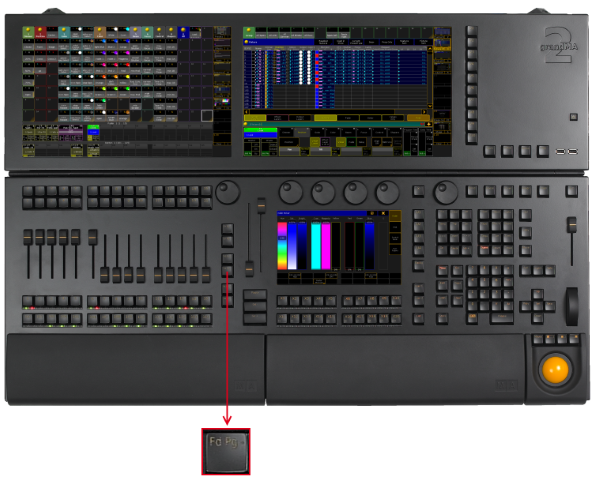
Location key Fd Pg -
Pressing Fd Pg - executes the FaderPage keyword.
If you are on a channel page, press Fd Pg - to open the fader pages.
If you press and hold the key Fd Pg - for 2 seconds, you will switch over to fader page 1.
Source: key_key_faderpageminus.html (grandMA2 manual v3.9)