Group Key
The key Group is located in the command area on the right of the key Fixture.
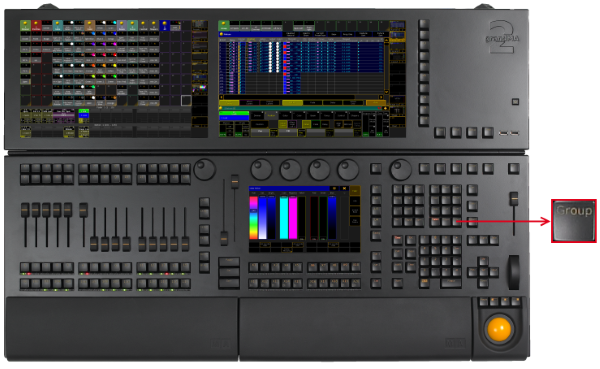
Location key Group
- Pressing Group enters the Group keyword into the command line.
[Channel]> Group
-
Pressing Group for about 2 seconds opens the master view.
-
Pressing Group Group enters the World keyword into the command line.
[Channel]> World
- Pressing Group Group Group enters the Filter keyword into the command line.
[Channel]> Filter
- Pressing MA + Group enters the Layout keyword into the command line.
[Channel]> Layout
- Pressing MA + Group Group enters the SearchResult keyword into the command line.
[Channel]> SearchResult
- Pressing MA + Group Group Group enters the Mask keyword into the command line.
[Channel]> Mask
Source: key_key_group.html (grandMA2 manual v3.9)