Prev (Previous) Key
The key Prev is located in the command area on the left of the key Set.
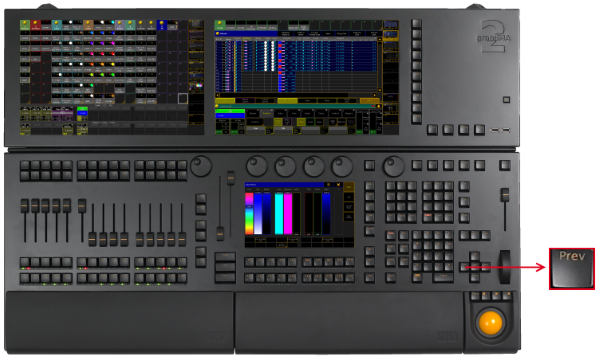
Location Key Prev (Previous)
If a pop-up dialog is open, for example the pop-up Choose store method, you can set the focus on the following options by hitting the key Prev.
- Pressing Prev executes the Previous keyword. The fixture or channel with the highest ID will then be selected.
[time] : Executing : Previous
- Pressing and holding MA + Prev executes the PrevRow keyword. For more information see MAtricks.
[time] : Executing : PrevRow
- Pressing Prev + Next executes the All keyword.
[time] : Executing : All
Source: key_key_previous.html (grandMA2 manual v3.9)